Login and main interface
Login
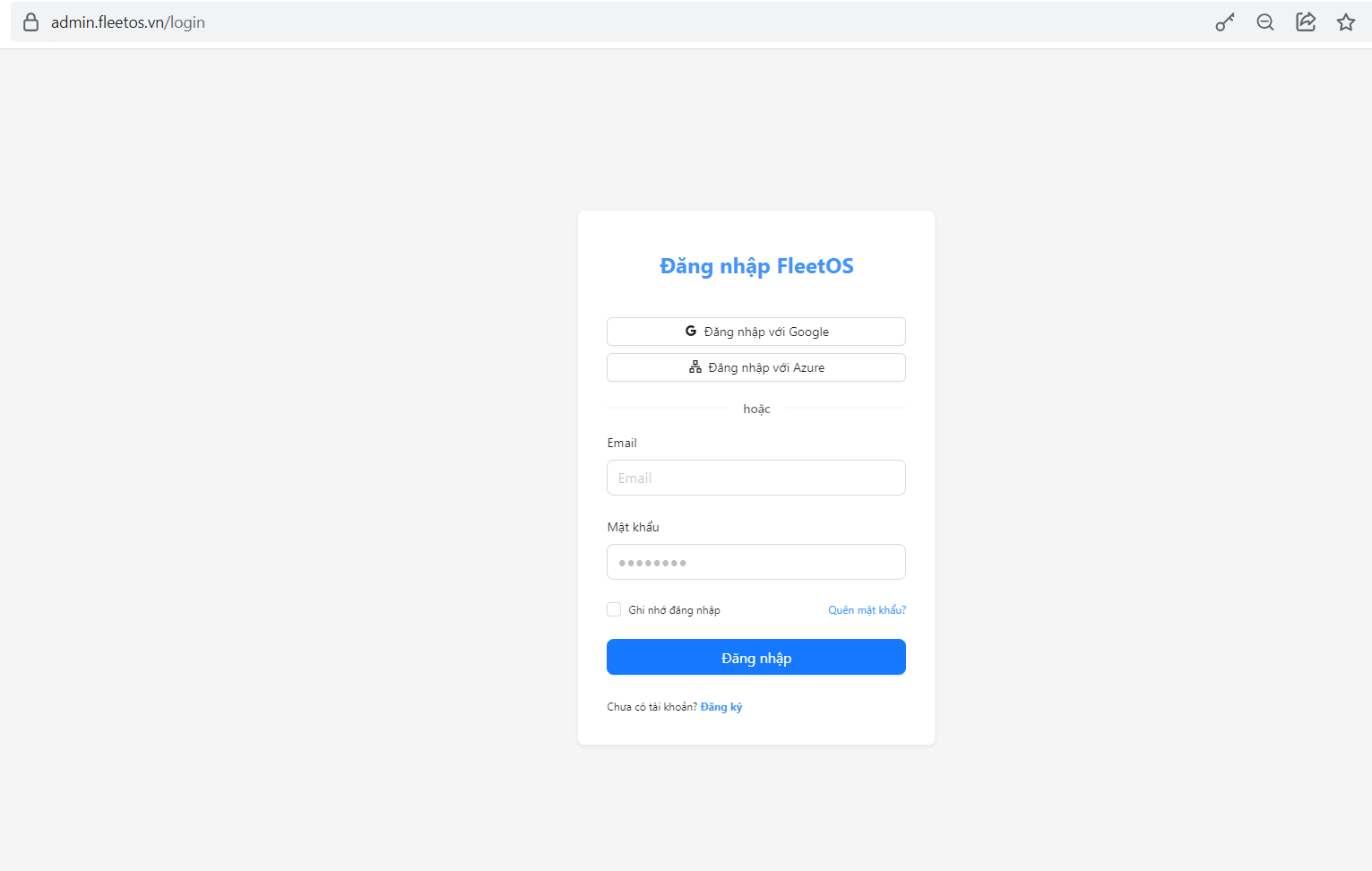
To access FleetOS, users need to log in with an account provided by the administrator
Step 1
Open a web browser and access the FleetOS system URL “ https://admin.fleetos.vn/”
Step 2
Enter Email and password
Step 3
Click the Login button to enter the system
Step 4
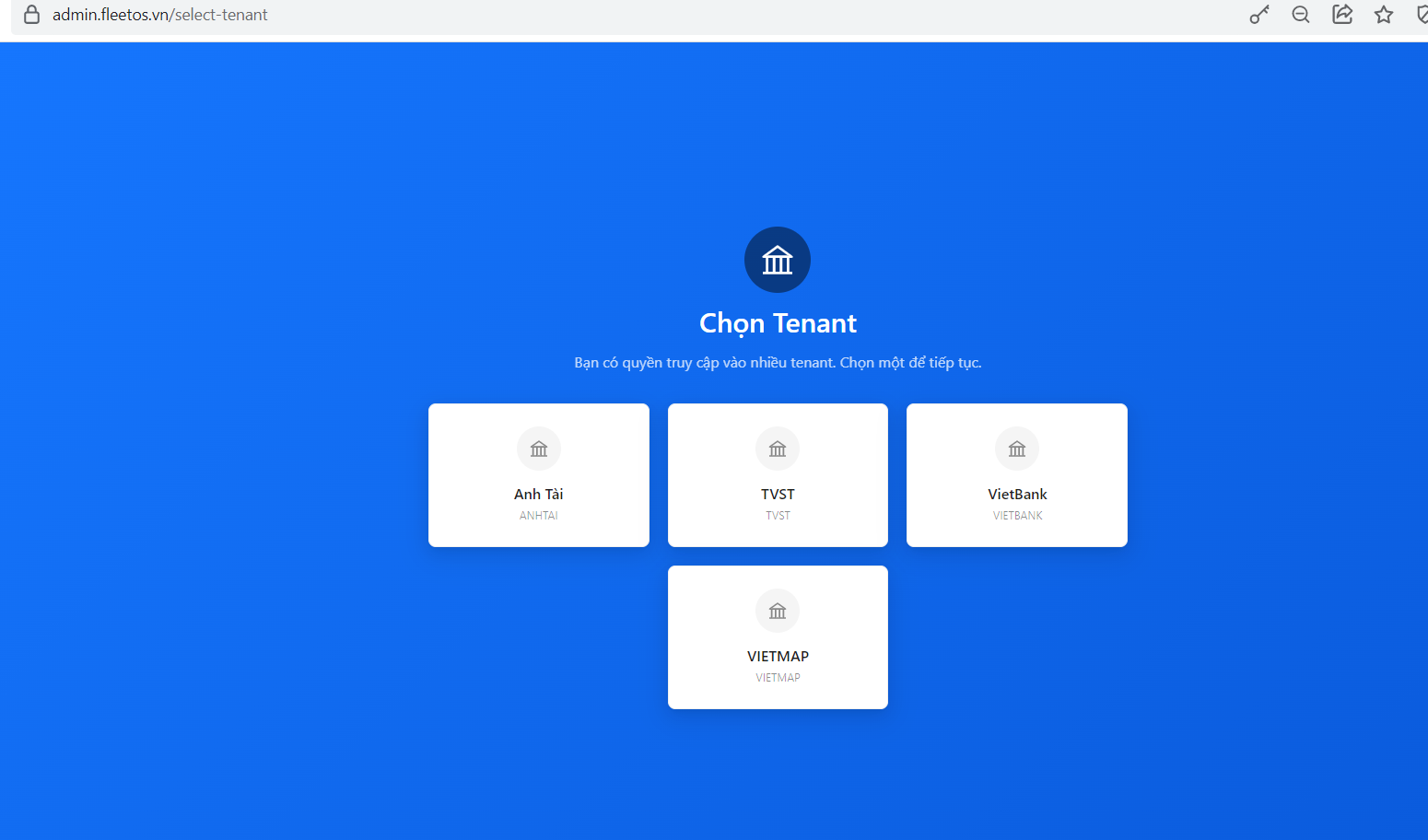
The system will move to the main interface corresponding to the user’s role
Note: If you forget your password, contact the system administrator to have it reset. Do not share your account with others.
Main interface
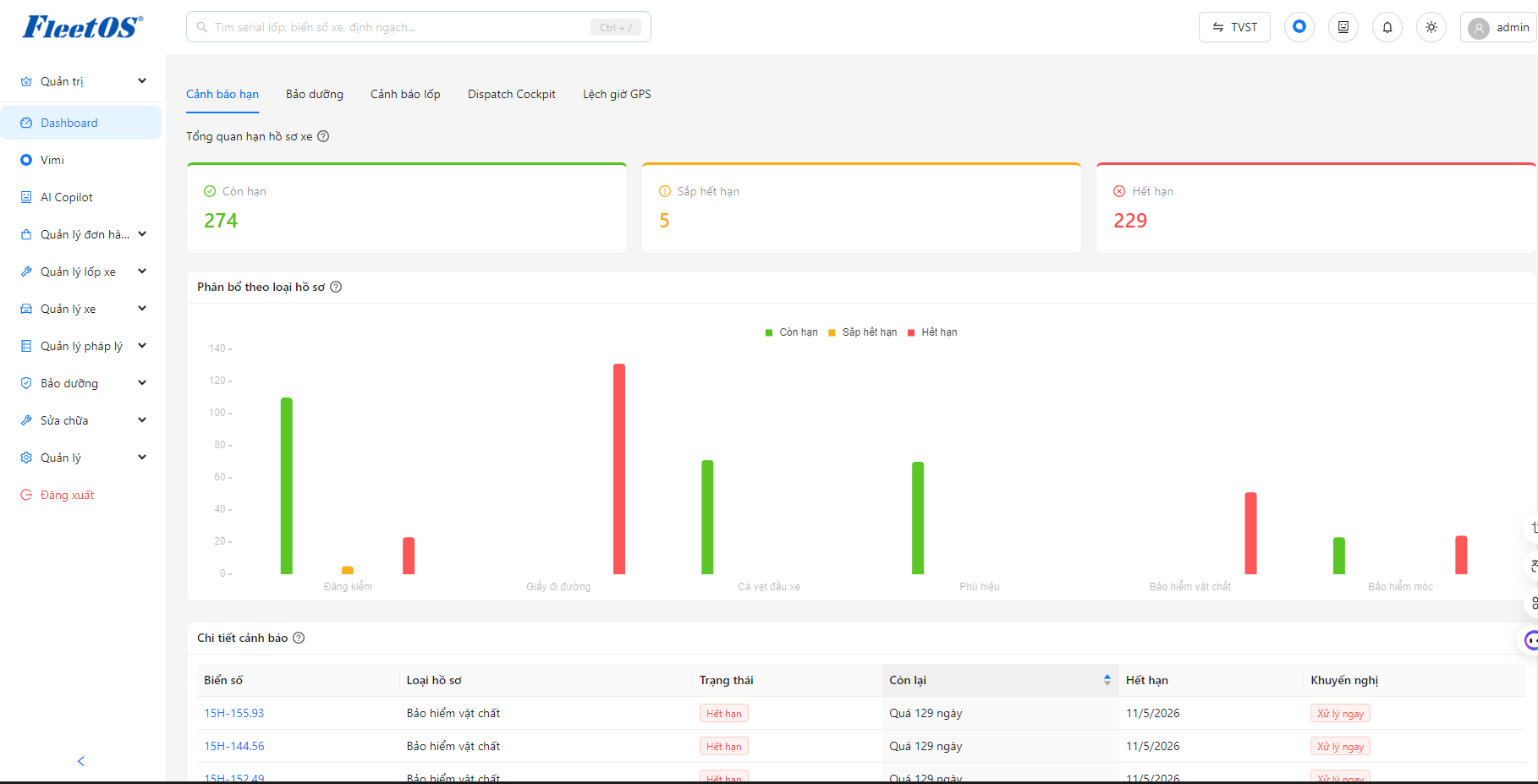
After successful login, the main interface includes the following areas:
▸ Navigation bar (Menu): located on the left, contains the main function modules
▸ Content area: displays the screen of the currently selected function
▸ Title bar (Header): displays user name, notification, choose light or dark color interface, AI copilot, Vimi, search bar.