System management
Module for system administrators (Admin) to configure users, assign permissions and manage tenants.
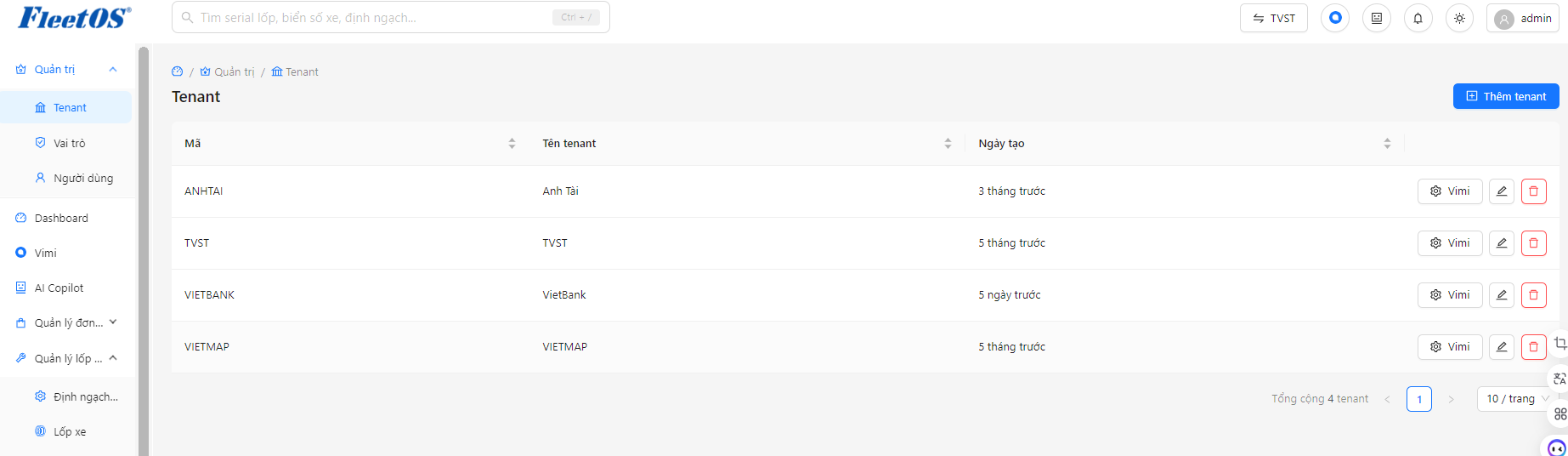
Tenant Management
Tenant is the organizational unit/business that uses the system. Super administrators can:
▸ Create and edit tenant information
▸ Enable / disable tenant
▸ Configure individual parameters for each tenant
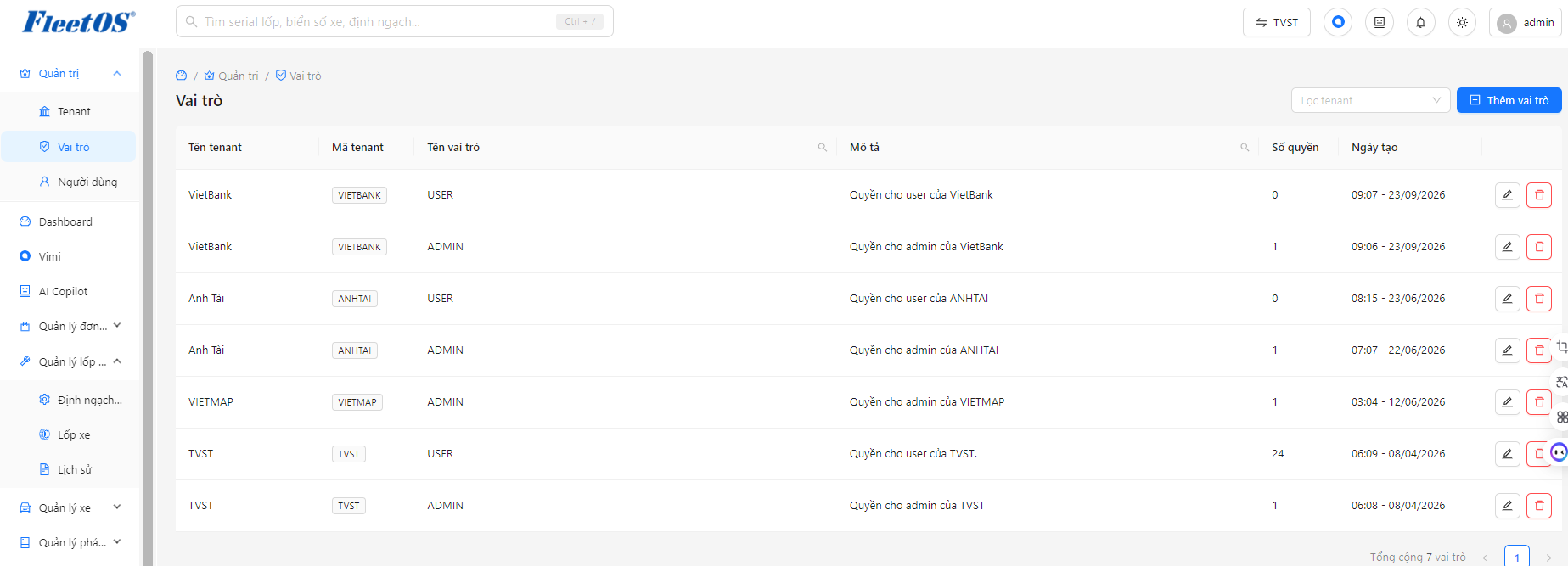
Decentralization of authority and roles
Decentralized system based on Role - Rights - User model:
▸ Declare Permissions: define access rights for each module and each specific function
▸ Role Declaration: each role is assigned a certain set of permissions
▸ User Management: each user is assigned one or more roles
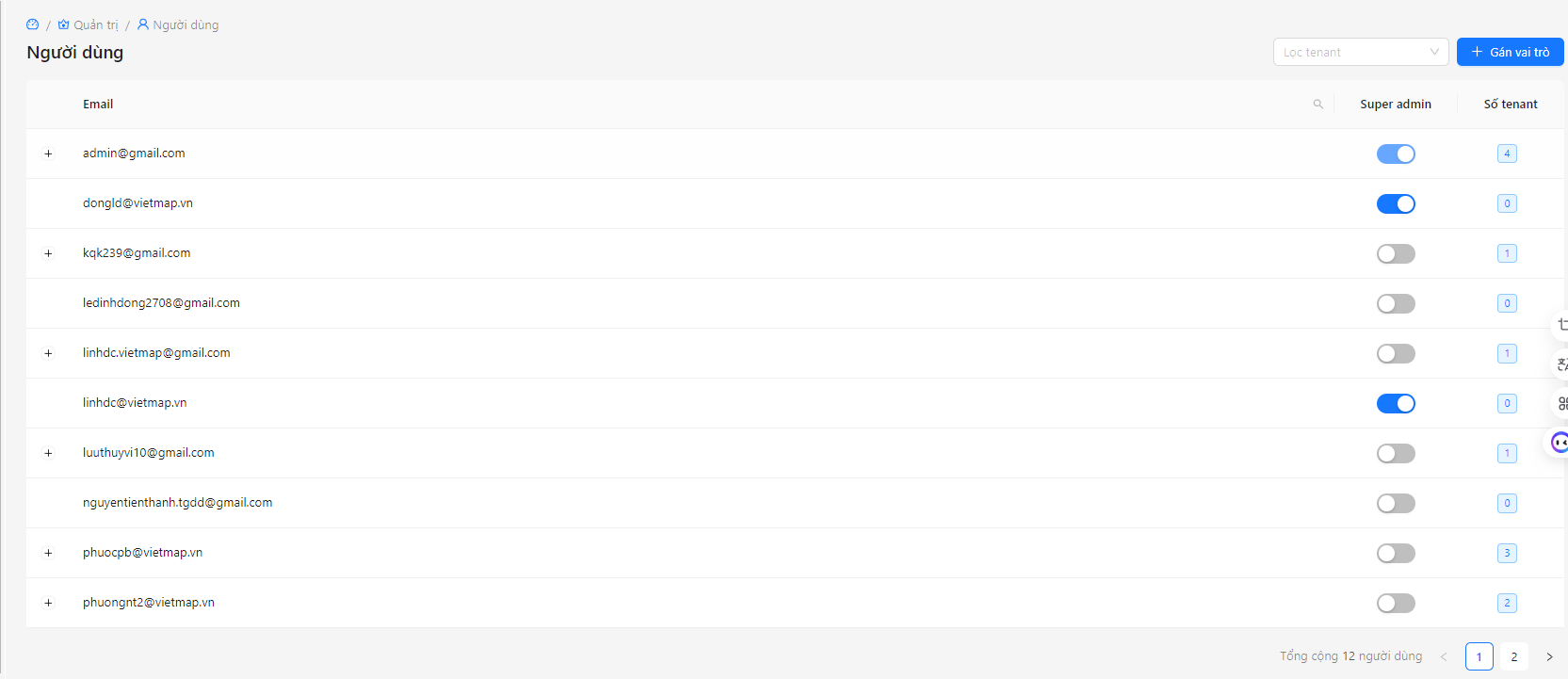
User management
Step 1
Go to System Management → select [Users].
Step 2
Click [Add user] – enter full name, email, login name.
Step 3
Assign appropriate roles to users (e.g. Fleet Manager, Coordinator,…).
Step 4
Save – the user will receive an account activation email.